[Free VPS and my personal use of blocking advertising teaching teaching] PART1

This issue will be divided into two parts, namely the registration of digital ocean and the building of blocking ads.
I really don’t know if the title is correct?
The free vps content includes 100 US dollars of line usage and 60 days of free usage, which is equivalent to two months, Google cloud one month, euserv German chicken one month, Microsoft cloud one year, Oracle oracle permanent, heroku does not know whether it counts, And some other big companies such as: Ali, Huawei, Tencent and some forgot to name it
First register the free vps URL as follows
Website link: https://www.digitalocean.com/
Click sigh up to register, follow the instructions inside to do it step by step, you can also use Google Translate to perform Chinese translation for convenience
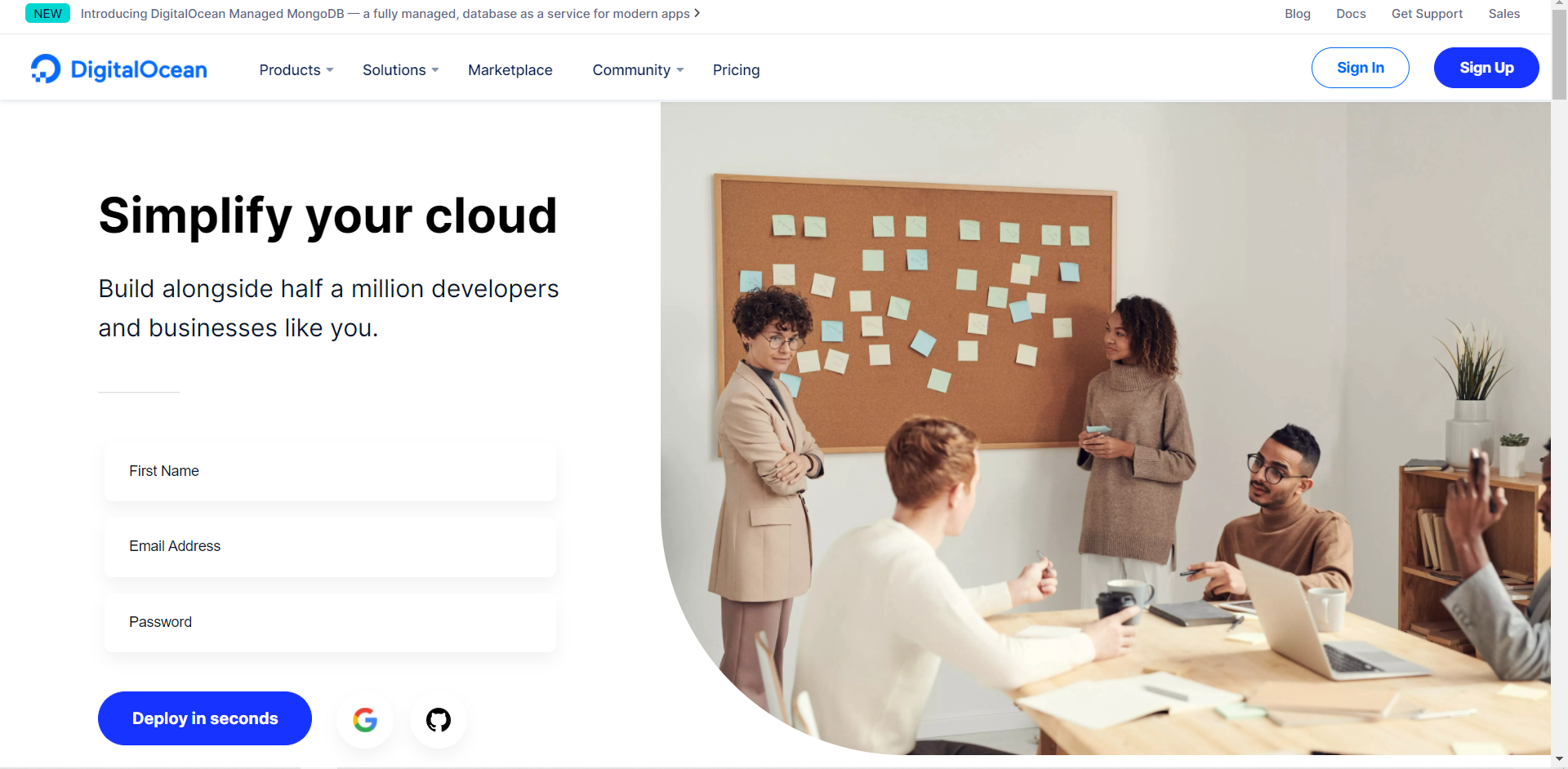
For registration, you need to use your gmail mailbox, and for identity verification, you need to use a credit card or PayPal to perform verification. I personally use a credit card, because PayPal will charge you $5 for a week before returning it to you. The credit card may be deducted. Used to verify if your card is a real person (but there is a high probability that there is no difference and not much deduction)
After success, click on the verification account link by email and then successfully enter this screen.
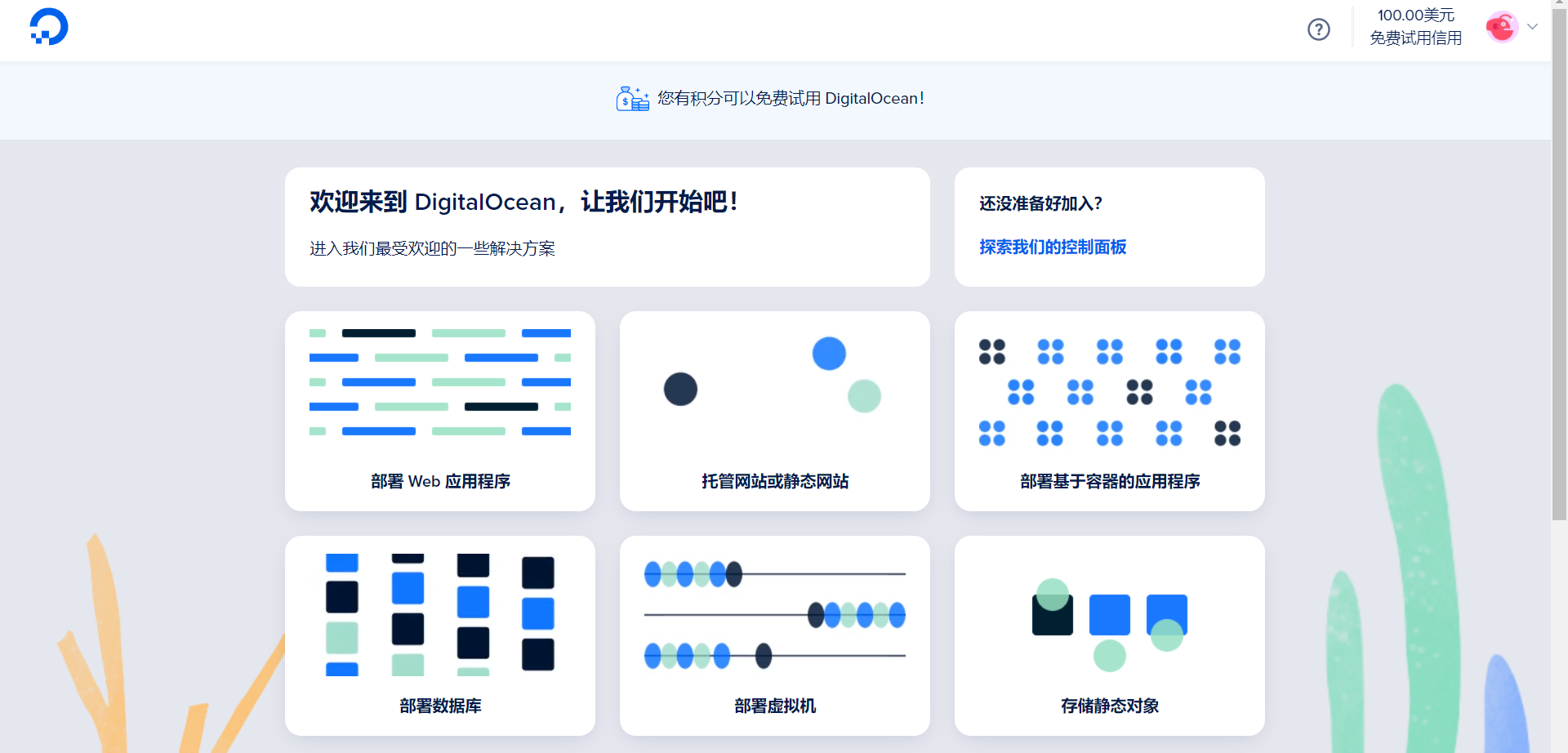
If you don’t understand, you can Google Translate, and then click Deploy Virtual Machine to start deployment.
Okay, let's build a circumvention tool~ (The purpose of this trip is just to build a personal dns, and the extra machine is a bit wasteful, so I want to build another circumvention tool by the way)
v2ray knows how to build it, and I don’t plan to teach a bunch of code this time. I’m afraid that some people won’t understand it. Then there will be a problem. I just saw that there is a way to build. The method is very simple. You only need to download and install it.
First download the outline client and manager. The outline management terminal is used to create virtual machines. The outline client is a tool for you to connect to the node scientifically.
Website link: https://getoutline.org/zh-CN/
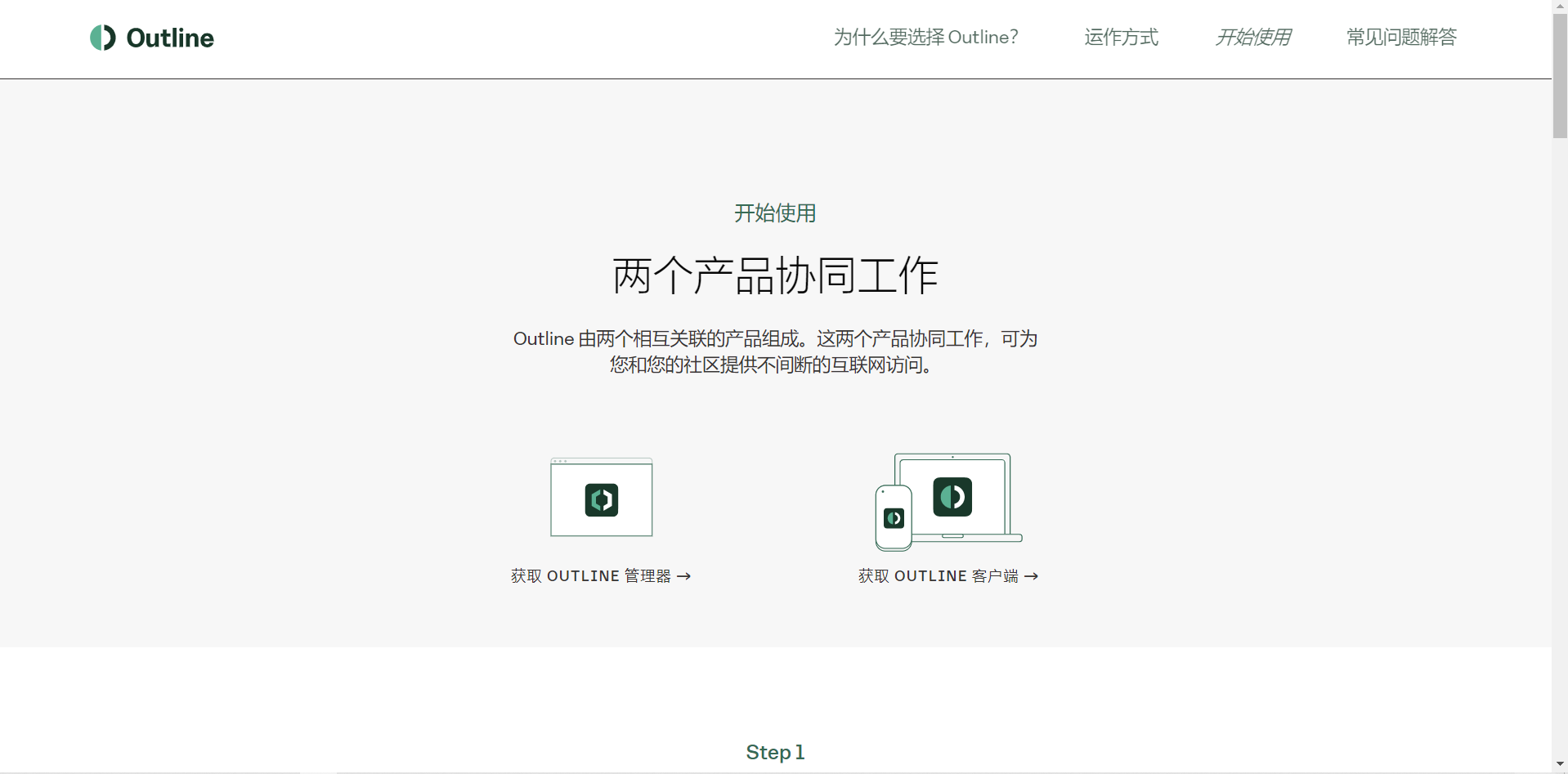
After downloading, install both, open the outline manager
We can see digital ocean and other cloud services. Don't worry about it. Click to install digital ocean, and then the website will open. You will be asked to verify and log in to your account.
You will see this page after success
ps: After the account is successfully logged in, the outline manager will show that the login is being verified. Give him some time to wait and he will come out of this screen.
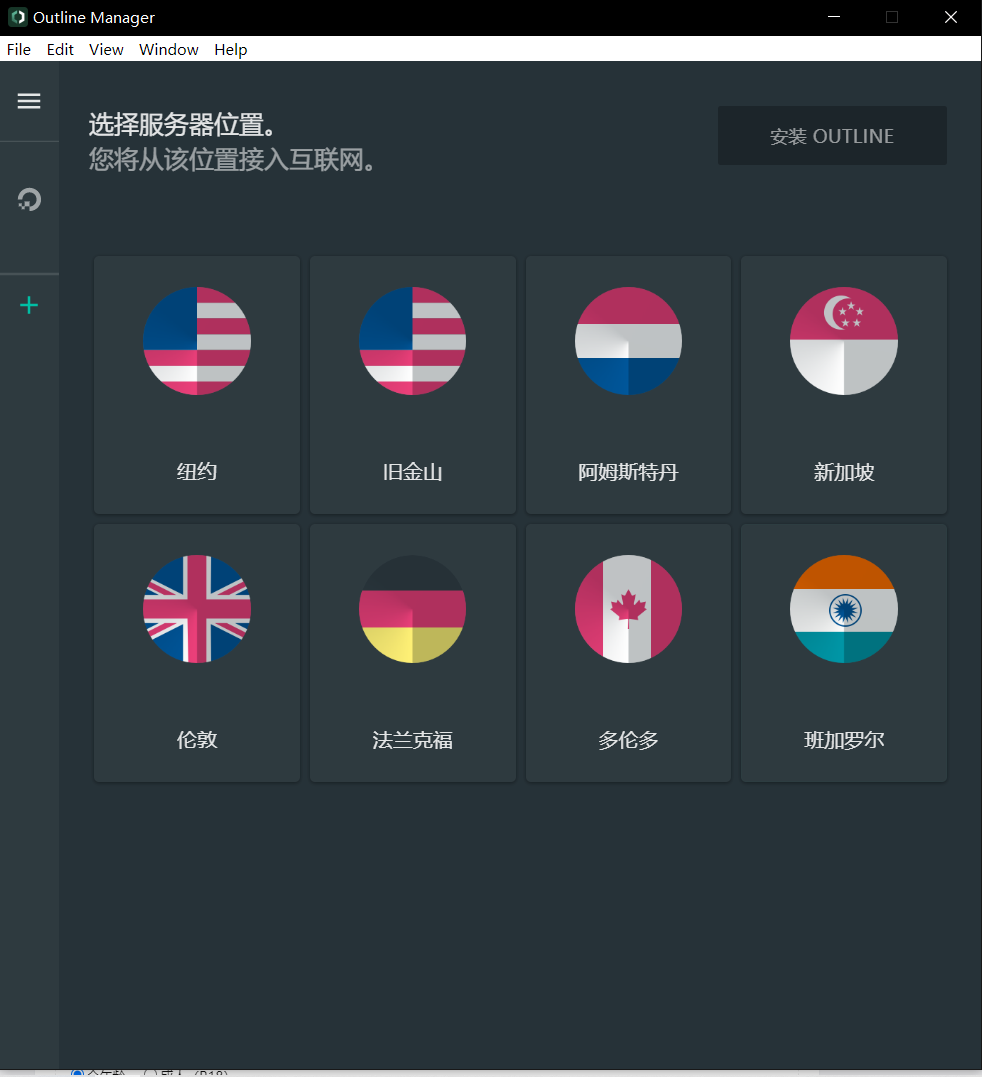
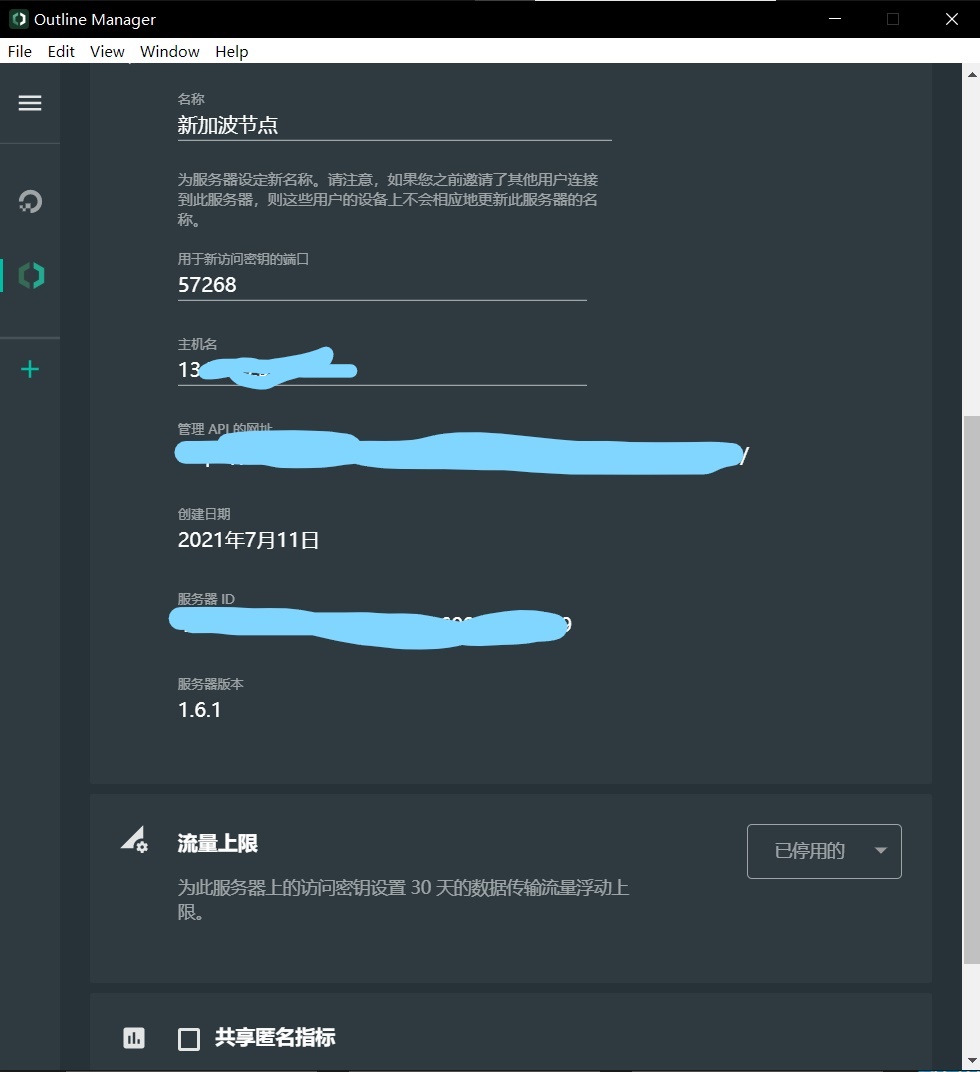
Click on the settings, the server name I choose the new node, the traffic is online to see if you use it alone or build it for friends or family use (you can set the traffic limit yourself), I don’t recommend sharing anonymous indicators ✔ because I’m myself It’s not very clear about the results of such sharing
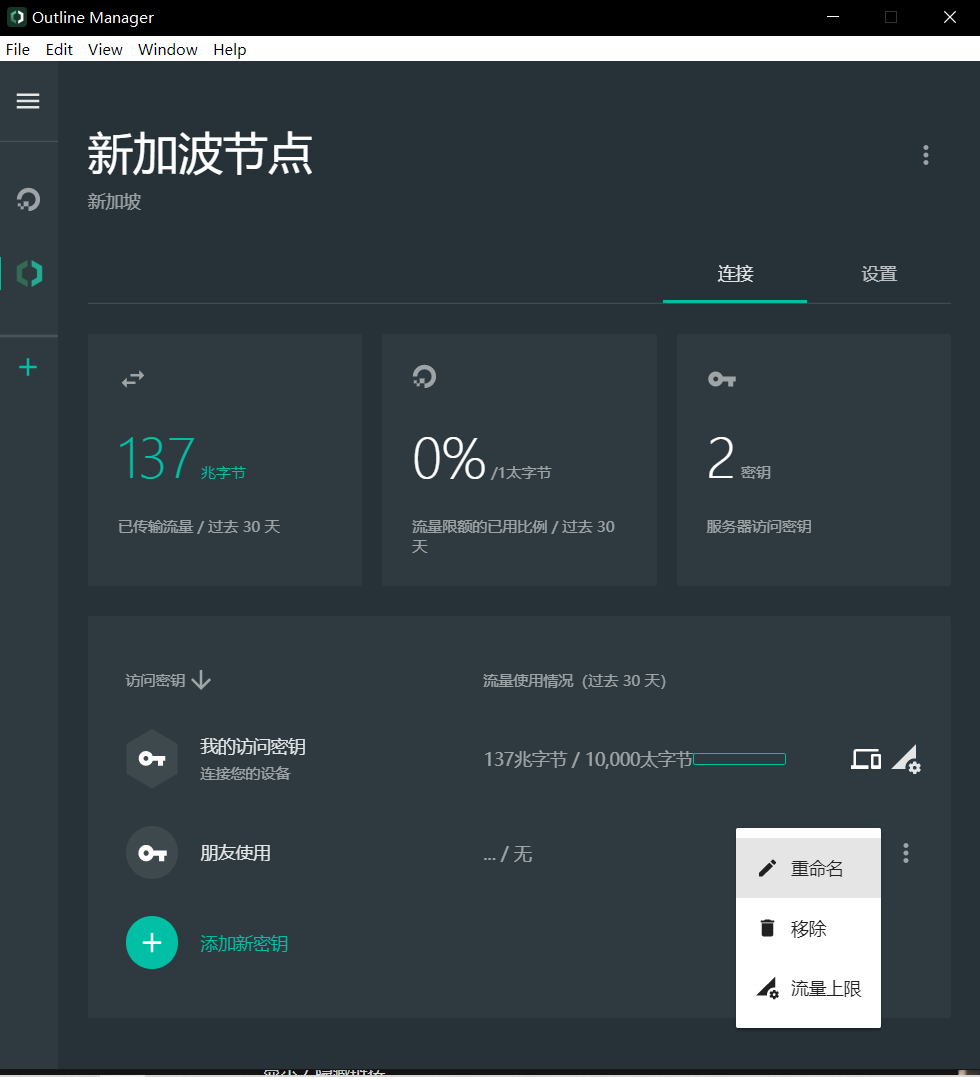
Here you can create a new key for your friends or family to use. The main reason for this is to provide traffic restrictions, then click to share and copy this link
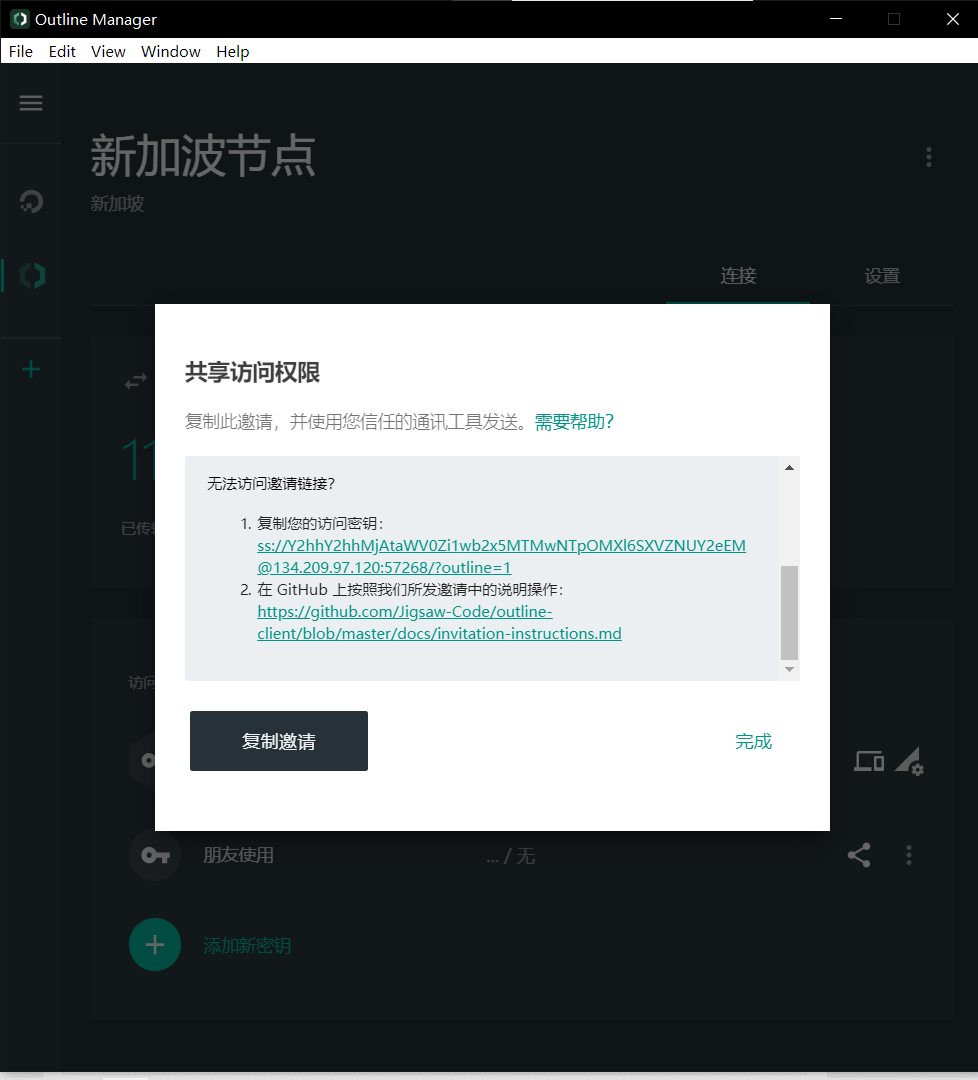
Copy the paragraph at the beginning of ss to the outline client on the phone or computer for linking. Then I won’t describe them one by one. I will study it myself slowly. Remember to check the account after the money is spent.
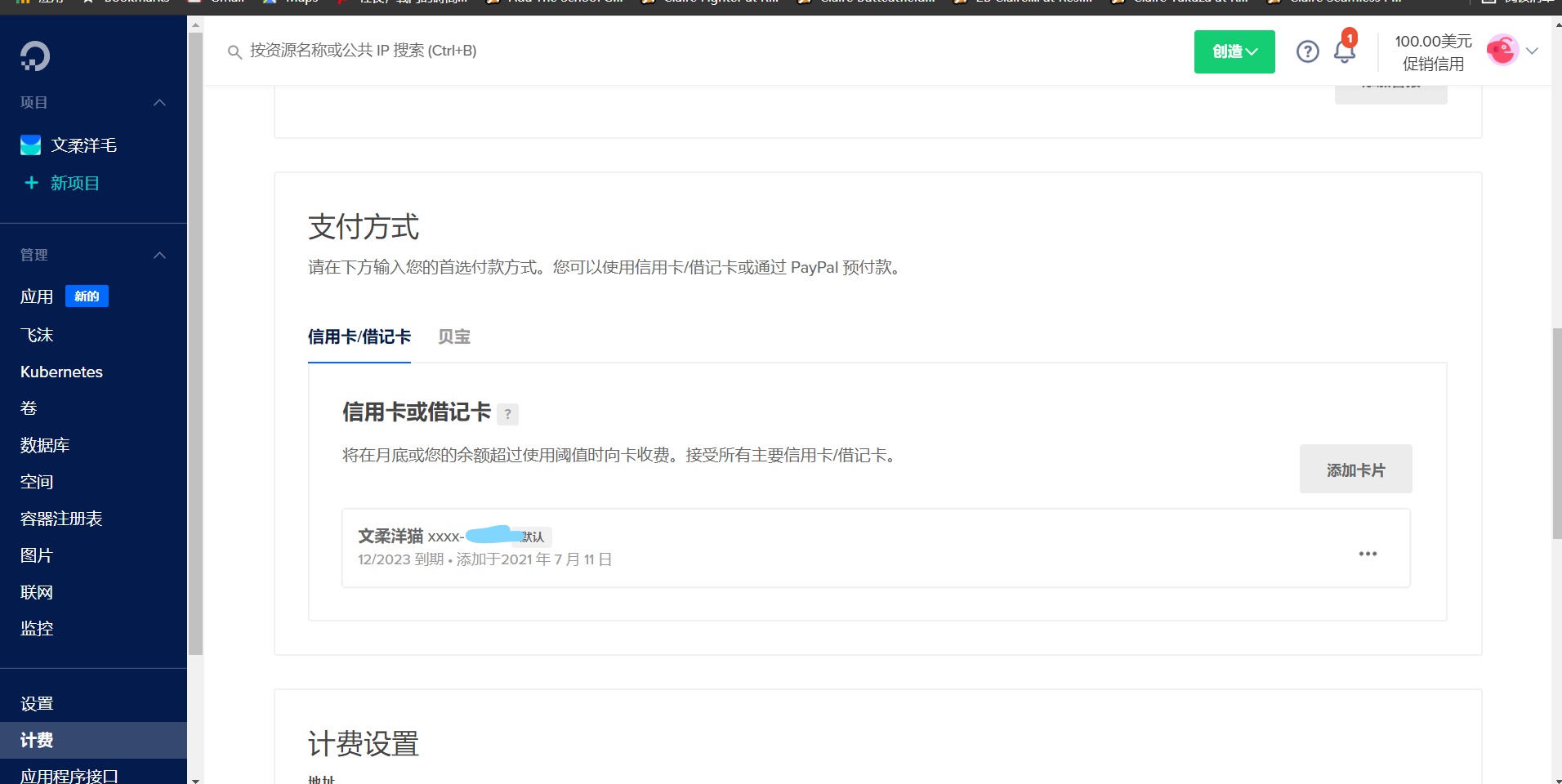
He will start deducting money from you after your $100 is used up, so you are prepared to calculate in your heart
But if you spend 5 dollars to enjoy 1000G of traffic per month, it is also quite cost-effective. This is the most cost-effective package among them.
IP URL test speed link: https://whoer.net/zh
PART 1 ends——


Comments
Post a Comment